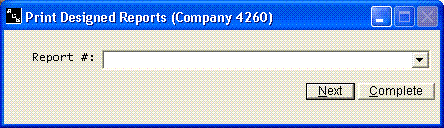
The Print Designed Reports option is under Print on the payroll menu. It
will allow you to print any of the reports that you have previously designed using
the Design Report option.. This program can be run anytime. Any time you select
this option, you will receive a listing of all reports that have been deigned
by the user-design features of this system.
This
screen will display the report numbers and the associated report titles of all
of the user-designed reports that are currently in the system.
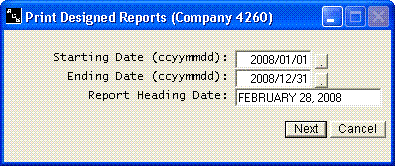
The
reports can be printed for any date range. For example, if the report you have
designed is a quarterly report, enter the first and last day of the quarter.